See the whole picture
Find exact copies and similar moments, then sort by what is ready to review and what needs a closer look.
 PHOTO REVIEW FOR APPLE PHOTOS · MAC APP
Apple Photos finds duplicates. PhotoPreflight helps you see what matters—metadata, edits, albums, and the copy you may want to keep.
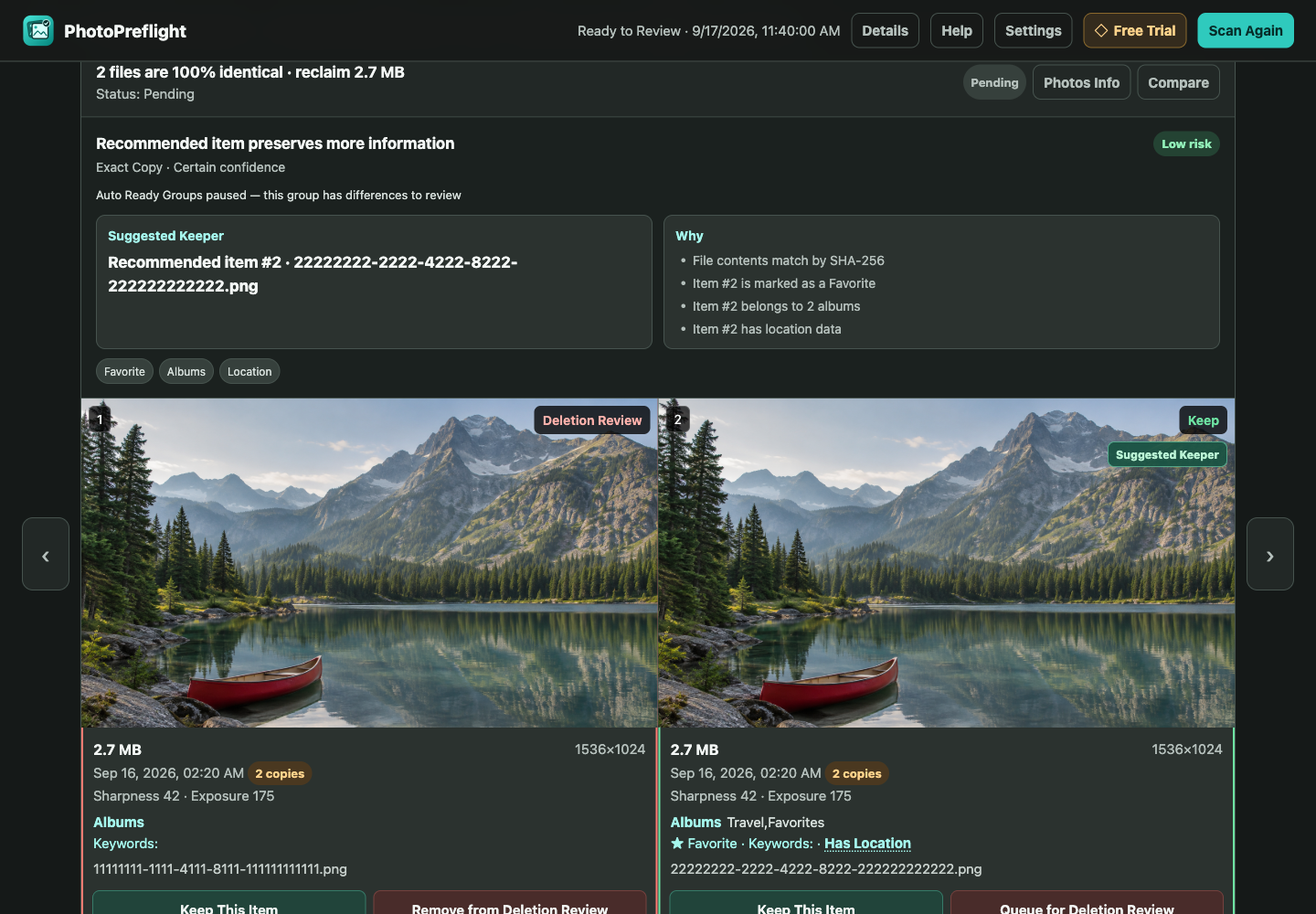
Find exact copies and similar moments, then sort by what is ready to review and what needs a closer look.
Compare the details that can change your choice. Keep the suggested copy, choose another, or keep both.
Send your prepared queue to a review album. PhotoPreflight does not delete originals for you.
A photo is more than its pixels. PhotoPreflight slows down when the context is incomplete or conflicting.
See relevant differences such as Favorites, edits, RAW, albums, location, and other metadata when available.
Similar moments and incomplete metadata are left for you to decide. Recommendations can always be changed.
Keep a local review history, undo a saved decision, and return to your work later.
Sales are not open yet. The checkout and download will be added after the release flow is verified.
No. It prepares a review queue. You decide what to remove in Apple Photos.
No. Photo analysis runs locally; your photos are not uploaded to CapfyLab.
It needs readable originals on this Mac. If Optimize Mac Storage has offloaded an original, download it in Photos before scanning again.
No. PhotoPreflight is a separate review workflow for understanding differences and preparing your choices; it does not replace Photos.
PhotoPreflight is being prepared for release. This preview describes the current workflow; downloads and purchasing will be added after final testing.
Release in preparation